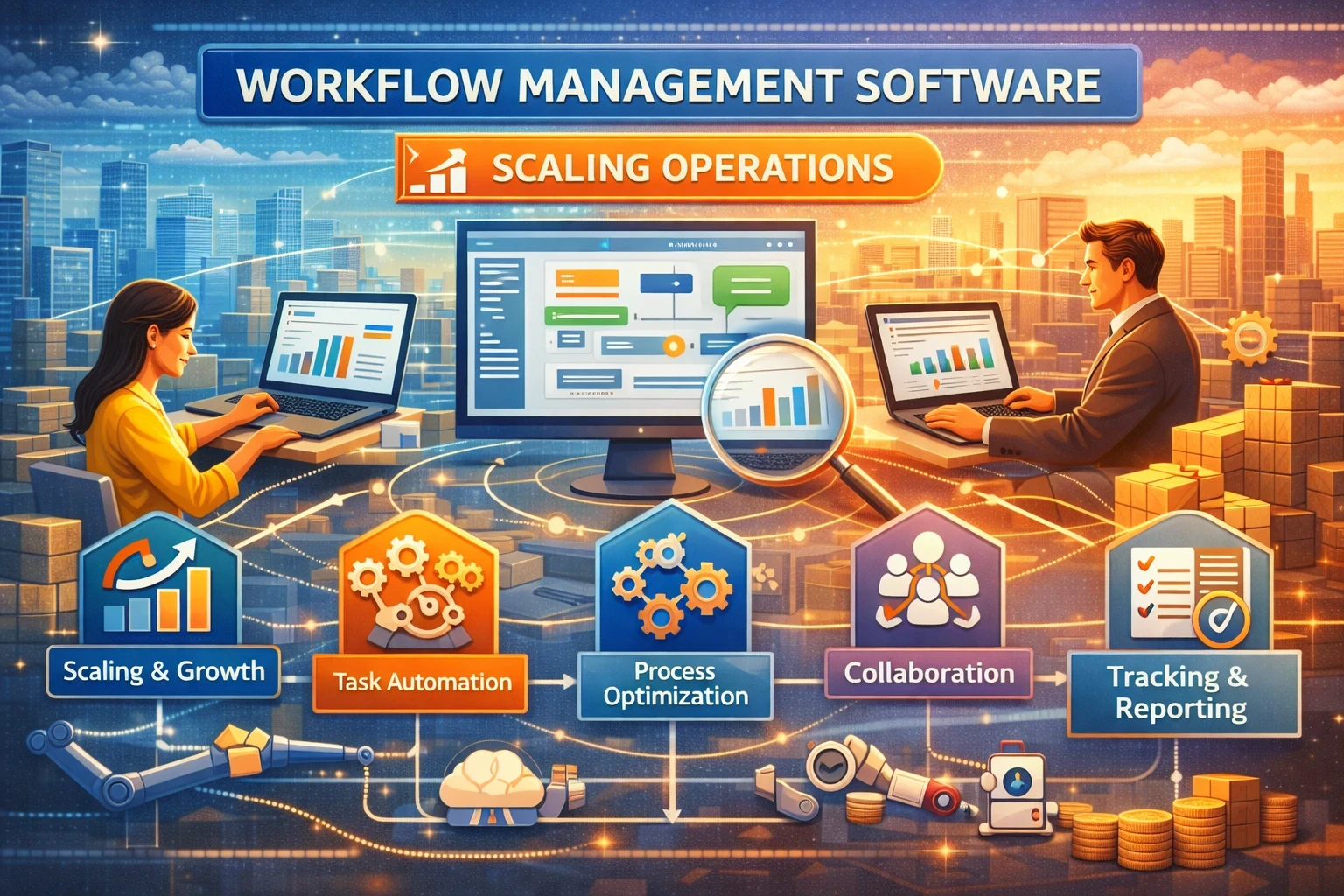
Scaling operations usually fails for the same reason: work stays trapped in people’s heads, chat threads, and spreadsheets. Approvals slow down, handoffs break, and leaders lose visibility right when the company needs speed and consistency. Workflow management software fixes that by turning repeatable work into trackable, automated flows with clear ownership, rules, and data.
Gartner expects automation to keep accelerating. For example, Gartner said that by 2026, 30% of enterprises will automate more than half of their network activities (up from under 10% in mid-2023). And IDC expects a big “supercycle” in IT spending driven by AI and cloud, with strong growth in enterprise software spending. In plain terms: companies keep buying tools that remove manual work and make operations run predictably.
Quick readiness checklist (use this before you buy)
✅ Do teams repeat the same process 10+ times per week (onboarding, procurement, content approvals, refunds, vendor payouts)?
✅ Do requests arrive from too many places (WhatsApp, email, tickets, sheets) with no single source of truth?
✅ Do you miss SLAs because handoffs depend on “who saw the message”?
✅ Do leaders ask for status, and the answer is “let me check” across 5 tools?
✅ Do compliance steps exist, but nobody can prove them during an audit?
✅ Do you re-enter the same data into multiple systems (CRM, finance, HR, inventory)?
✅ Do operational errors spike when headcount grows or when you hire new managers?
If you checked 3 or more, workflow management software will pay for itself fast.
What workflow management software actually does
A solid workflow tool gives you five building blocks:
-
Intake: forms, requests, emails, API triggers, chat commands
-
Rules: routing, approvals, SLAs, escalation, conditional logic
-
Work execution: tasks, checklists, assignments, dependencies
-
Data: fields, records, attachments, audit trail, version history
-
Visibility: dashboards, bottleneck reports, cycle time metrics
As your company grows, these blocks stop “tribal knowledge” from running your operation.
Signs you’ve outgrown manual workflows
1) Your process depends on “the right person”
If one coordinator holds everything together, you don’t have a process. You have a person acting like software.
2) Work expands faster than headcount
Scaling should not mean hiring 10 more people to chase approvals and follow-ups.
3) You can’t forecast capacity
Without workflow data, you guess staffing needs. With workflow data, you see volumes, cycle times, and queue health.
4) You need cross-team coordination
Once operations touch finance, sales, HR, and support, you need structured handoffs and shared visibility.
Core capabilities that matter for scaling operations
Role-based flows and permissions
Scaling means more people, more roles, more risk. Look for granular permissions, approver rules, and audit trails.
SLA timers and escalations
Workflows break quietly. SLA timers make them break loudly, early, and in the right place.
Integrations and APIs
A workflow tool becomes far more valuable when it connects to your stack. Many teams pair workflow tools with automation platforms and AI helpers. Zapier reports that 97% of its employees use AI daily (up from 65% in late 2023). That trend matters because your workflows will increasingly include AI steps like summarizing requests, extracting fields, and drafting replies.
Templates and reusable playbooks
Scaling needs repeatability. Templates turn “how we do it here” into one-click deployment.
Analytics you can act on
Cycle time, rework rate, approval latency, workload by team, top bottlenecks. Without this, you scale blind.
Where workflow software fits with ERP, resource management, and automation tools
Workflow management software often overlaps with “ERP systems” and operations platforms. The difference is simple:
-
ERP systems focus on core business records (finance, procurement, inventory, HR) and often include workflows inside modules.
-
Workflow tools orchestrate work across teams and systems, even when ERP is not the center.
-
RPA handles repetitive clicks and legacy systems; it’s useful when no API exists. RPA vendors highlight fast growth projections for the RPA market through 2030 and describe a shift toward orchestrating AI agents with automation.
If you already run an ERP, you may still need a workflow layer for requests, approvals, and cross-team ops that the ERP does not cover cleanly.
If you are researching high-intent categories, people often search combinations like resource management software, enterprise planning software, and project management and resource planning software because they want visibility plus execution, not just a task list.
Comparison table: pick the right category for your stage
| Category | Best for | Strengths | Watch-outs | Typical examples (category-level) |
|---|---|---|---|---|
| Task / project tools | Small teams, simple coordination | Fast adoption, lightweight | Weak approvals, limited audit | Project boards, team task tools |
| Workflow automation (no-code) | Cross-app automation | Great integrations, triggers | Can get messy without governance | Automation platforms, iPaaS-lite |
| BPM / process automation suites | Regulated, complex processes | Governance, analytics, controls | Longer setup, needs process owner | BPM/BPA tools |
| Service management workflows | IT/ops request handling | SLAs, queues, ticket discipline | Not ideal for finance/ops records | ITSM-style tools |
| ERP workflows | Finance + procurement + inventory | Data integrity inside ERP | Cross-team requests still painful | enterprise resource planning solutions, erp package |
| RPA + orchestration | Legacy apps, manual data entry | Works without APIs | Maintenance, brittle UIs | RPA suites + orchestrators |
A practical rule:
-
If you mainly need approvals and visibility across teams, start with workflow + integrations.
-
If you need end-to-end governance with audits and complex routing, consider BPM.
-
If you need system-of-record operations, look at enterprise resource planning for small business or a broader enterprise resource planning software solution and keep workflow as the coordination layer.
Buying guide: what to evaluate (the “no regrets” criteria)
1) Fit to your operational reality
List your top 5 processes by volume and pain. Examples:
-
purchase requests → approval → vendor → payment
-
hiring request → interviews → offer → onboarding
-
customer issue → triage → resolution → postmortem
Pick software that can model your real flow, not an ideal flow.
2) Time-to-value
If you can’t launch your first workflow in 1–2 weeks, adoption will stall.
3) Governance
At scale, “anyone can change the workflow” becomes chaos. You want versioning, approvals for changes, and audit trails.
4) Integration depth
Check native connectors for your stack, then confirm webhooks and API coverage. If your tool cannot connect cleanly, teams will copy-paste forever.
5) Reporting that matches decisions
Ask: “Can I see bottlenecks by step and owner?” If the answer is no, you will still manage via gut feel.
Implementation plan that works in the real world
Week 1: map one workflow
Pick one operational workflow with high volume and low politics. Document:
-
trigger
-
required data fields
-
owners
-
approval rules
-
SLA targets
-
exception paths
Weeks 2–3: build and launch
Build a minimum workflow that people will use. Add:
-
templates
-
auto-assignment
-
SLA alerts
-
one dashboard
Weeks 4–6: connect systems
Integrate with email, chat, CRM, finance tool, or ERP. Reduce duplicate data entry first.
Weeks 7–10: standardize and scale
Turn your best workflow into a template. Roll out to 3 more processes. Create one ops owner who maintains standards.
KPIs that show scaling progress
Track these from day one:
-
Cycle time (start to completion)
-
Approval time (per approver and per step)
-
Rework rate (how often items bounce back)
-
Throughput (completed per week)
-
SLA hit rate
-
Work in queue (backlog health)
These metrics let you justify expansion and keep operations stable as volume grows.
Common mistakes that kill workflow rollouts
-
Buying software before defining one process owner
-
Building a “perfect” workflow that nobody understands
-
Creating 20 automations with no naming conventions or ownership
-
Ignoring exceptions and edge cases, then blaming the tool
-
Treating workflow data like an afterthought, then losing reporting value
Workflow tools scale operations when you treat them like operational infrastructure, not a one-time project.