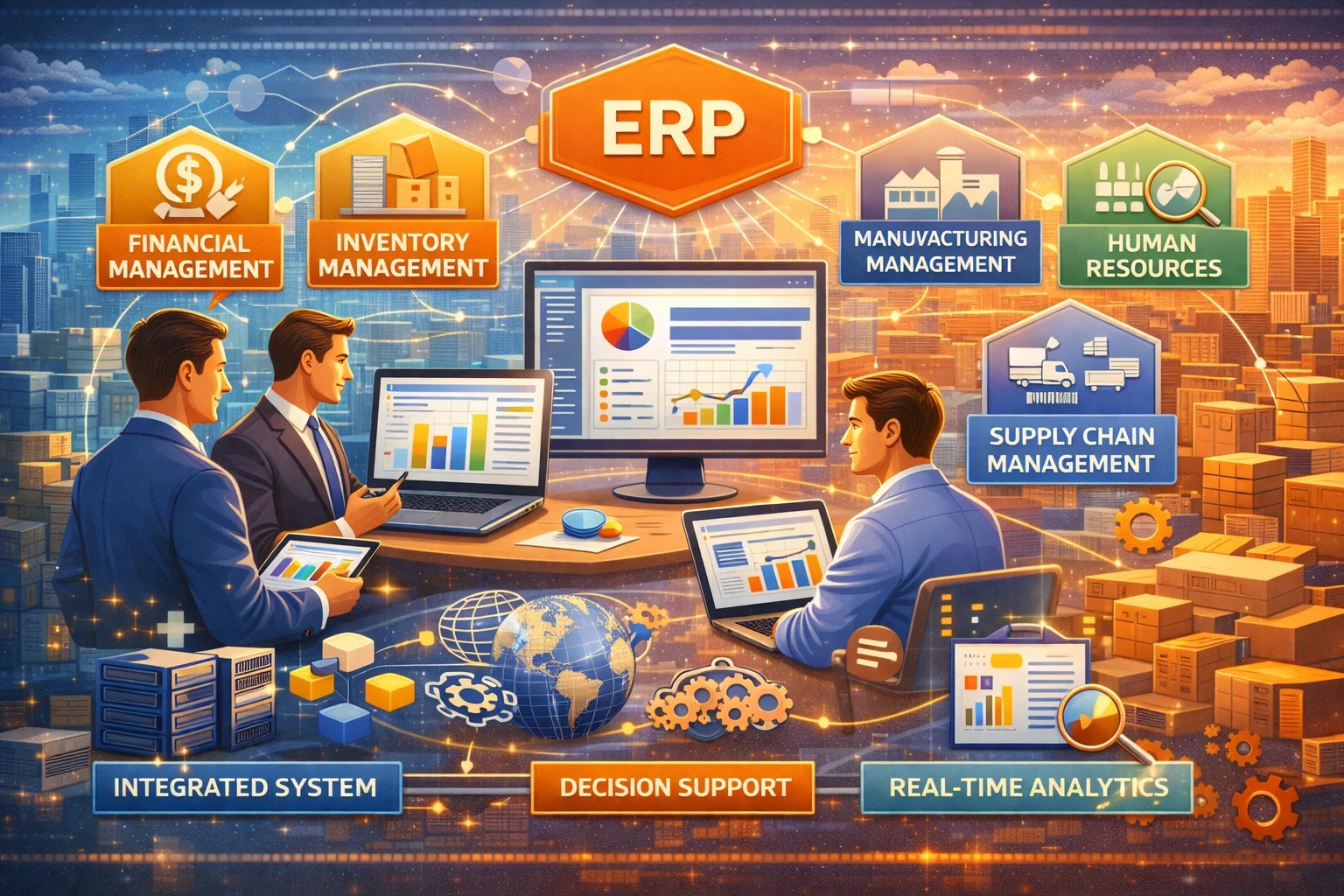
ERP (Enterprise Resource Planning) sits at the center of how a business runs day to day. Finance, purchasing, inventory, production, HR, sales, and reporting all touch the same data. When teams run separate tools, leaders lose time reconciling numbers, chasing approvals, and fixing errors. ERP solves that by putting core operations on one system with shared rules, shared workflows, and one source of truth.
If you make budget decisions, approve software, or own operational results, you do not need a technical definition. You need clear answers: what ERP changes, what it costs, what it risks, and how to pick the right option.
What an ERP system actually does
An ERP platform standardizes how your company records transactions and executes processes across departments. It typically includes:
-
Financial management: GL, AP/AR, cash flow, fixed assets, close and consolidation
-
Procurement: vendor management, purchase approvals, spend controls
-
Inventory and supply chain: stock visibility, replenishment, warehouses, order fulfillment
-
Manufacturing (if needed): BOM, MRP, shop-floor reporting, quality
-
Projects and services (if needed): time and cost tracking, resource planning software, billing
-
People operations: HR, payroll integrations, time, expenses
-
Analytics and controls: dashboards, audit trails, role-based access
Leaders buy ERP for three outcomes:
-
faster decisions (reliable numbers), 2) lower operating friction (less manual work), 3) better control (compliance, approvals, traceability).
What changed in ERP in 2025 - 2026
AI moved from “nice demo” to daily workflow
Most major ERP suites now ship AI features that help users search data, explain variances, draft reports, and flag anomalies. IDC has reported strong intent to invest in AI-powered ERP in surveys, which tells you this is no longer experimental.
This does not mean you should buy “AI-first” without thinking. It means you should evaluate:
-
which ERP tasks AI supports today (close, forecasting, purchasing, service tickets),
-
how the vendor secures prompts and data,
-
how you govern access to sensitive financial and customer info.
Composable ERP and best-of-breed integration became mainstream
Many companies now combine a core ERP with specialized apps (CRM, CPQ, WMS, HR, planning). Gartner describes “composable ERP” as an adaptive strategy where you keep core capabilities stable and add or swap components as the business changes.
For decision makers, this shifts the question from “Which single ERP does everything?” to “Which ERP gives us clean processes, clean data, and clean integrations?”
Cloud release cycles became a planning requirement
Cloud ERP updates arrive frequently. Your operating model must handle continuous change.
Examples of public schedules:
-
SAP S/4HANA Cloud Public Edition runs two major releases per year (February and August).
-
Oracle Fusion Cloud Applications follow a quarterly update schedule.
-
Microsoft Dynamics 365 publishes release waves (for example, Oct 2025 through Mar 2026).
This matters for training, testing, audit controls, and internal change management.
Deployment options: cloud, on-premise, hybrid
Your deployment choice impacts cost, speed, security operations, and flexibility.
| Option | Best for | Upsides | Watch-outs |
|---|---|---|---|
| Cloud ERP (SaaS) | fast rollout, lower infra burden, frequent innovation | quicker start, predictable subscription, easier remote access | vendor-driven updates, integration discipline required |
| On-premise ERP | strict control, legacy constraints, niche custom needs | deep customization, internal control of timing | higher infra + upgrade burden, slower modernization |
| Hybrid ERP | phased migrations, mixed regulatory or plant needs | gradual risk reduction, keep some workloads local | integration and data governance become harder |
Many decision makers start with cloud ERP for finance + procurement, then expand to inventory management, manufacturing, and advanced planning once the foundation stays stable.
ERP selection: what matters most (and what people forget)
Leaders often focus on demos and features. The best picks come from process fit, data fit, and implementation reality.
1) Process fit beats feature lists
Ask vendors to walk through your real workflows:
-
quote-to-cash
-
procure-to-pay
-
month-end close
-
returns, credit notes, and exception handling
-
approval flows by role and region
If the ERP cannot handle exceptions cleanly, your team will build workarounds and your “single source of truth” collapses.
2) Data quality decides success
ERP migrations fail quietly when data stays messy: duplicate vendors, inconsistent item codes, broken units of measure, and missing tax fields. Your project plan must fund data cleanup and ownership.
3) Integration becomes the real architecture
Even if you buy one suite, you still integrate:
-
banks and payments
-
e-invoicing or GST tools (in many regions)
-
CRM, ecommerce, WMS, payroll
-
BI tools and data warehouses
Composable ERP can work great, but only if you enforce clear master data and integration standards.
4) Security needs a modern model
ERP contains high-impact data: payroll, customer records, pricing, supplier banking info. Modern security programs often adopt zero-trust principles, which treat access as continuously verified rather than assumed safe inside a network. NIST’s zero trust guidance helps frame this approach.
Comparison table: Suite ERP vs best-of-breed stack
| Approach | What it looks like | Good fit when | Main risk |
|---|---|---|---|
| Full-suite ERP | one vendor covers finance + supply chain + HR (as much as possible) | you want simpler vendor ownership and fewer integration points | you may accept “good enough” in specialist areas |
| Best-of-breed + ERP core | ERP handles financials; specialist tools handle CRM/WMS/HR/planning | you compete on a specific function and need depth | integration debt and data fragmentation |
| Composable ERP strategy | stable core plus modular components that you add or replace | you expect frequent process change or acquisitions | governance failures can create tool sprawl |
Practical checklists for decision makers
Business case checklist
✅ Define success metrics (close time, inventory accuracy, DSO, on-time delivery, audit findings)
✅ Estimate baseline cost of manual work and errors (rework, write-offs, late fees)
✅ Map “must-have” processes and exceptions per department
✅ Confirm reporting needs for board and compliance
✅ Budget for data cleanup, training, and post go-live support
✅ Decide your preferred deployment (cloud, on-premise, hybrid) and why
✅ Identify integrations you cannot change (banks, ecommerce, WMS, payroll)
✅ Set a realistic timeline with phased releases, not one big switch
Vendor evaluation checklist
✅ Ask for references in your industry and company size
✅ Validate local tax and compliance support where you operate
✅ Review uptime history, disaster recovery, and support SLAs
✅ Confirm release cadence and how you test changes (SAP twice yearly, Oracle quarterly, Microsoft release waves)
✅ Check role-based access controls, audit trails, and security posture aligned with zero trust principles
✅ Evaluate AI features with governance: data boundaries, permissions, logging
Implementation readiness checklist
✅ Name an executive owner who can break deadlocks
✅ Lock scope for phase 1 (finance first is common)
✅ Assign process owners for AP, AR, procurement, inventory, and reporting
✅ Create a master data governance plan (items, vendors, chart of accounts)
✅ Build a testing plan that includes real exceptions, not only happy paths
✅ Train by role, not by module, and measure adoption after go-live
Cost, timeline, and risk: realistic expectations
ERP cost includes more than software. Decision makers should model:
-
subscription or licenses
-
implementation partner fees
-
integration build and testing
-
data migration
-
internal backfill time for process owners
-
training and change management
-
ongoing admin, reporting, and enhancement work
Timelines vary widely by scope. A focused cloud ERP rollout for finance and procurement can move faster than a manufacturing-heavy, multi-country rollout with complex inventory management and plant operations.
AI and automation can shorten parts of the work, and new “AI-native” tools even pitch faster migrations, but you still carry the hard parts: process decisions, data cleanup, and adoption.