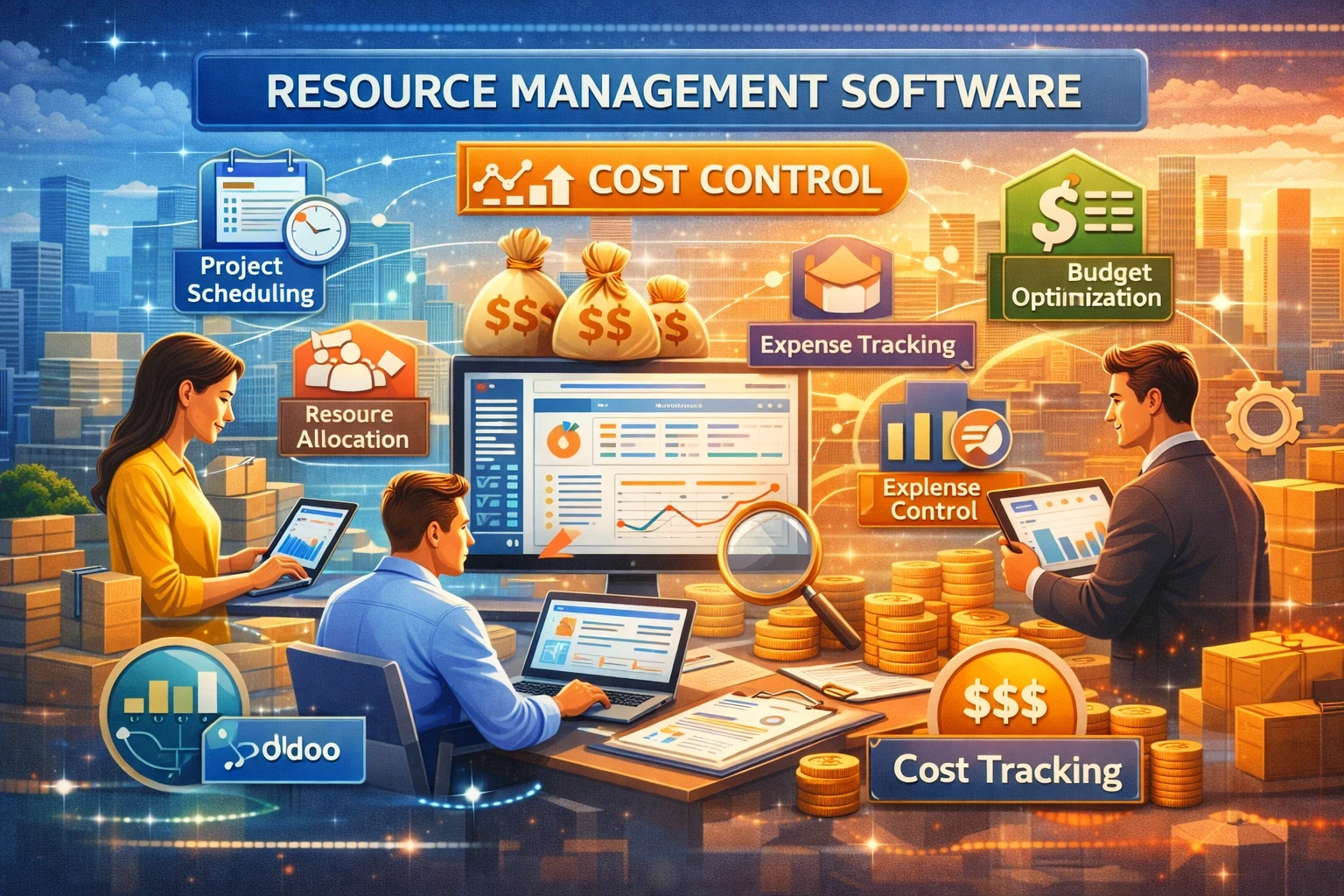
Every business wants to keep expenses in check while crossing milestones on time. But as teams grow and projects stack up, staying on budget becomes harder. Spreadsheets and manual tracking break down. You end up chasing who’s doing what, where hours are leaking, and why some projects cost more than expected.
That’s where resource management software can make a big difference. These tools help you plan, allocate, and track your key assets—people, equipment, time, and even money—so you get clear insight into how resources are being used and how costs behave. With the right solution, cost control becomes part of the workflow instead of an afterthought.
Let’s explore how this software improves cost control, what features matter most, and how to choose the right tool for your business.
What Resource Management Software Really Does
Resource management software gives you one place to see and manage all critical resources across projects. Instead of scattered spreadsheets and email threads, you get real-time visibility into availability, workloads, timelines, and budget impacts. It’s useful for teams of all sizes, from small agencies to large enterprises.
In practical terms, it helps you:
-
Plan out who works on what and when
-
Track how much time resources spend on tasks
-
Forecast future needs and budget impacts
-
Spot under- or over-utilized resources
-
Compare actual vs planned cost outcomes
When this info is live and centralized, decisions about allocating people and project hours become easier. Cost leakages become visible before they turn into overruns.
Why Cost Control Matters More Now
Across industries, projects that run over budget reduce profit margins and slow business growth. According to surveys of project teams, many still suffer budget overruns because they lack real-time cost visibility and rely on manual processes that lag behind reality.
Instead of guessing where hours went or whether equipment is booked efficiently, a modern tool tracks usage continuously. That becomes a big advantage when margins are tight and costs matter.
Key Features to Improve Cost Control
To really drive cost savings with resource management software, look for these core capabilities:
1. Resource allocation and scheduling
You need a view of who is working when and on what. This prevents overbooking or bouncing work between people, which causes hidden costs.
2. Time tracking and utilization
Tools that tie time spent directly to tasks and projects help you compare actual hours vs planned hours. Without that, you can’t measure cost performance.
3. Forecasting and cost forecasting
The best systems let you run “what-if” scenarios. You can see how adding a project affects budgets and resource loads before you commit.
4. Reporting and analytics
You need dashboards that show trends in utilization, costs, idle time, and underperforming resources. These insights help managers adjust plans early.
5. Integration with financial systems
Linking your resource tool with accounting, billing, or project costing systems reduces duplicate data entry and ensures budgets and spend sync across platforms.
Who Benefits Most
Almost any team juggling multiple projects or resources can benefit. Some common use cases:
-
Service agencies that bill by the hour
-
Engineering and construction teams with complex schedules
-
IT departments balancing internal and client work
-
Operations teams managing staff and equipment
Even for smaller businesses without big budgets, tracking hours and seeing how tasks flow gives leaders meaningful cost insights.
How Resource Management Improves Cost Control
Here are the biggest tangible benefits you’ll see when you adopt the right software:
Clearer Visibility
Instead of guessing where hours go, you see it. You know who is free, who is overloaded, and how that affects budgets. Visibility is the first step to managing costs.
Reduced Waste
Idle time, duplicate efforts, and misallocations waste budget. With clear dashboards, managers can reassign work and eliminate inefficiencies.
Better Forecasting
When you plan against real data, you reduce scope creep and surprise costs. Tools that include forecasting help teams stay on target and highlight investment needs early.
Faster Decisions
Rather than waiting for monthly reports, teams can act on real-time information. When cost alerts pop early, you adjust quickly instead of reacting late.
These benefits come together to give teams a stronger handle on budgets and fewer surprises at the end of a project cycle.
Comparison: Top Resource Management Software
Here’s a quick look at the most recommended tools on the market and what they do well:
| Software | Best For | Strengths | Cost Control Focus |
|---|---|---|---|
| GoodDay | All-in-one resource management | Comprehensive planning, task tracking | Strong utilization analytics |
| Asana | Work tracking + resource views | Simple UI, team planning | Basic time and workload tracking |
| ClickUp | Custom workflows | High flexibility, dashboards | Advanced reporting |
| Float | Capacity planning | Visual scheduling | Financial visibility tied to hours |
| Resource Guru | Simple scheduling | Easy booking and load balancing | Prevents overallocations |
| Runn | Long-term forecasting | Forecasting and scenario planning | Best for future cost planning |
Checklist: Evaluate Resource Management Software
Use this checklist before choosing a tool. Start each line with a check if the feature matters for your business:
☑ Live resource availability dashboards
☑ Time tracking tied to projects
☑ Budget vs actual reporting
☑ Forecast vs planned capacity view
☑ Alerts for overbooking or overspend
☑ Integration with accounting or finance systems
☑ Mobile access for field teams
☑ Forecasting and scenario tools
☑ Custom report exports
☑ User permission controls
This checklist helps you keep buyers’ needs top of mind rather than picking based on hype or feature count.
Implementation Checklist: Get Cost Control Benefits Fast
Bringing in a new tool is one thing; using it effectively is another. Follow this implementation plan:
☑ Define cost control goals
Know whether you’re reducing budgeting surprises, cutting idle time, or tracking billable hours.
☑ Map key workflows
Document how work moves through your team before you configure the tool.
☑ Set baseline metrics
Record current utilization rates, budget variances, and project schedules to compare later.
☑ Train teams on time tracking
Without consistent time data, cost insights will be weak.
☑ Configure alerts for budget thresholds
Set alerts for 70%, 90%, and 100% of planned hours to catch problems early.
☑ Review analytics weekly
Set a routine to review utilization and cost dashboards every week.
Following this plan will help keep adoption friction low and results visible fast.
Common Mistakes to Avoid
Even with great software, results don’t happen by themselves. Common pitfalls include:
-
Tracking everything instead of meaningful work
Don’t force users to log trivial tasks that dilute data quality. -
Not syncing with billing or finance data
If your tool lives in isolation, you won’t get a complete cost picture. -
Ignoring forecasting tools
Forecasting is key to catching cost overruns before they happen. -
No leadership review
Dashboards are only powerful when leaders use them consistently.
Final Word
Resource management software is no longer just a scheduling tool. It’s a cost control engine that brings transparency, accountability, and real-time insight into how your team’s time and energy convert into outcomes and expenses. When you choose the right tool and use it with clear goals, it becomes easier to keep projects on budget, make better use of your teams, and grow with confidence.