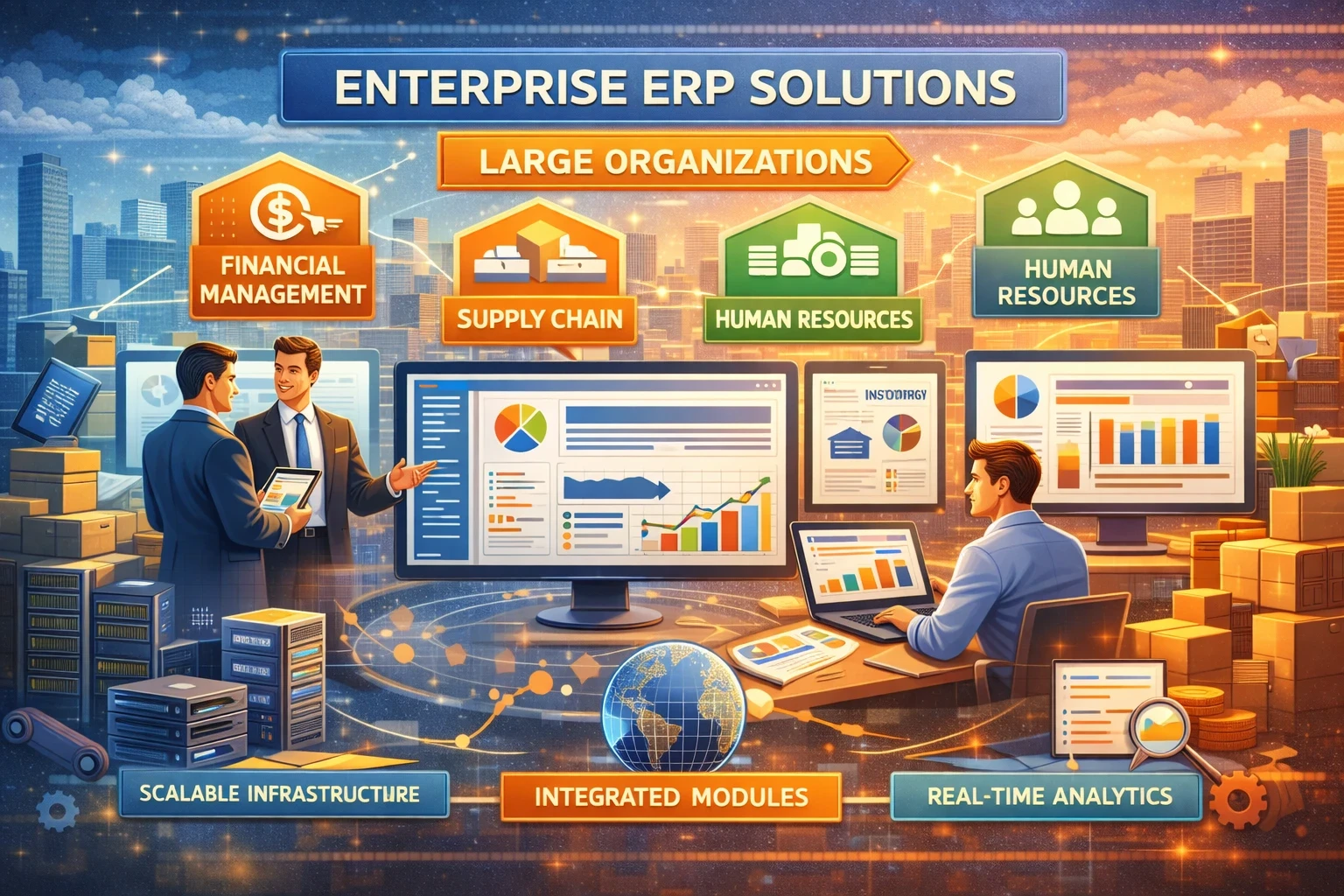
Large organizations run on thousands of connected decisions every day: purchasing, production, payroll, inventory, customer billing, compliance, and reporting. Enterprise ERP solutions bring those workflows into one system of record, with shared data, shared controls, and consistent processes across regions and business units.
Yet “buy an ERP” never stays simple at enterprise scale. Multiple subsidiaries, legacy apps, data residency rules, audit needs, and custom integrations turn ERP into a business transformation program, not a software install. This guide covers what modern enterprise ERP looks like in 2026, what to compare, and how to choose without getting trapped in endless scope.
Quick checklist before you shortlist vendors
☐ Write a one-page business case with measurable outcomes (close cycle days, inventory turns, on-time delivery, audit findings)
☐ Map core processes you will standardize vs keep local
☐ List “must integrate” systems (CRM, WMS, MES, PLM, payroll, BI, banking, identity, data lake)
☐ Decide deployment direction: SaaS, private cloud, hybrid, on-prem
☐ Confirm data and security requirements (SSO, MFA, segregation of duties, logs, retention)
☐ Set a migration path for legacy ERP (phased rollout, two-tier ERP, big bang)
☐ Lock a change-management plan (training, role redesign, super users, adoption metrics)
☐ Build a realistic implementation model (internal team capacity + SI partner plan)
What “enterprise ERP” means in 2026
Enterprise ERP used to mean a single, monolithic suite installed on-prem. In 2026, large organizations lean toward cloud-first roadmaps, composable capabilities, and embedded AI features that speed up routine work in finance, procurement, and supply chain. Many ERP vendors now market AI assistants or agents inside core workflows, and analysts expect fast growth of task-focused AI across enterprise apps.
A second driver is lifecycle pressure. For example, SAP has published mainstream maintenance timelines for SAP Business Suite 7 core applications through the end of 2027, with optional extended maintenance options through 2030, which pushes many enterprises to finalize a modernization plan.
Core modules large organizations typically standardize
Enterprise programs rarely standardize everything at once. Teams usually start with “financial truth” and high-control processes, then expand.
Finance and controls
-
General ledger, AP/AR, fixed assets, intercompany
-
Revenue recognition, consolidation, group reporting
-
Tax configuration, audit trails, role-based controls
Procurement and spend
-
Supplier onboarding, approvals, catalogs, sourcing
-
Contract alignment, three-way match, invoice automation
Supply chain and operations
-
Demand planning, inventory, warehousing, distribution
-
Manufacturing planning, quality, traceability
-
Service management for asset-heavy industries
People and payroll
-
HR core, workforce planning, payroll integrations
-
Time, expenses, project costing
If your priority is cost control, look closely at resource management software and project resource planning software capabilities, since those modules often drive fast ROI through better utilization and fewer leakage points.
Deployment choices that matter at scale
SaaS ERP (multi-tenant cloud)
You get frequent updates, faster time-to-value, and less infrastructure load. You trade some deep customization for standardization. This model fits enterprises that want strong governance and consistent process design.
Private cloud or hosted single-tenant
You keep more control over release timing and custom extensions. Many SAP migrations use private cloud paths.
Hybrid
Common for large organizations: finance core in cloud, plants on specialized systems, local payroll systems, older warehouse tools, plus a strong integration layer.
Security stays shared in any cloud model. Cloud providers cover parts of the stack, your team still owns identity, access, configuration, data protection, and monitoring. Microsoft’s cloud shared-responsibility guidance lays out these boundaries clearly.
What to compare in enterprise ERP solutions
1) Process fit and industry depth
Large organizations need more than checkboxes. Test real scenarios:
-
Multi-country intercompany flows
-
Complex approvals with segregation of duties
-
Regulatory reporting and audit evidence
-
Batch manufacturing or configure-to-order flows
-
Project accounting if you run services or EPC
2) Integration and data strategy
ERP never runs alone. Choose your “integration spine” early:
-
API coverage, event streams, middleware compatibility
-
Master data ownership (MDM), product and supplier governance
-
Data lake or warehouse feeds for analytics and ML
3) Total cost of ownership
Subscription cost is visible. Hidden costs hit harder:
-
Implementation partner fees
-
Data cleanup, migration, testing
-
Change management and training
-
Ongoing integration maintenance
-
Security monitoring and compliance work
4) Implementation risk
Independent research shows ERP programs often miss schedule or budget targets, with people/process issues playing a major role. Use that as a signal to invest in governance and change management, not just tool selection.
Comparison table: leading enterprise ERP options
| Platform | Best fit | Strengths for large orgs | Watch-outs |
|---|---|---|---|
| SAP S/4HANA (Cloud / Private / On-prem) | Complex global enterprises, manufacturing-heavy | Deep finance + supply chain, strong controls, mature ecosystem; clear modernization push tied to maintenance timelines | Can turn into heavy customization; migration planning needs discipline |
| Oracle Fusion Cloud ERP | Large enterprises wanting cloud finance + integrated suite | Strong cloud ERP suite with embedded AI features and ongoing AI announcements | Vendor-led update cadence; integration planning still critical |
| Microsoft Dynamics 365 (Finance + Supply Chain) | Enterprises aligned to Microsoft stack | Strong integration with Microsoft ecosystem; Copilot/AI capabilities in finance and operations apps | Complex deployments need strong solution architecture to avoid fragmentation |
| Workday (Finance + HR) | HR-first enterprises, services-heavy orgs | Unified HR + finance model; emphasizes AI-powered workflows | Manufacturing depth varies; supply chain needs may require adjacent systems |
| Infor (industry suites) | Manufacturing, distribution, specific verticals | Strong industry configurations in some sectors | Validate global consolidation and complex finance needs early |
| IFS (asset/service-centric) | Asset-intensive industries, field service | Strong EAM + service management focus | Finance depth and global template needs require careful validation |
Tip: if your teams search for “erp software management,” “resource planning system,” or “enterprise resource planning inventory management,” treat those as intent signals. They point to cost control, planning accuracy, and end-to-end visibility, which should become measurable program goals.
A practical selection workflow for large organizations
Step 1: Define the enterprise template
Write a global process model for:
-
Chart of accounts and reporting structure
-
Procurement approvals and spend limits
-
Inventory valuation method and controls
-
Standard item master rules and supplier onboarding rules
Keep local variations on a short list with business justification.
Step 2: Run a scenario-based demo
Ask vendors and SIs to run real-life flows, not slideware:
-
Intercompany sale across two countries
-
PO to invoice to payment with exceptions
-
Forecast to plan to pick-pack-ship with shortages
-
Month-end close with reconciliation and audit evidence
Step 3: Score on operational reality
Weight criteria like this:
-
30% process fit for top 20 scenarios
-
20% integration and data architecture
-
20% controls, security, audit readiness
-
15% implementation plan quality and resourcing
-
15% cost and timeline realism
Step 4: Plan rollout strategy
Common enterprise patterns:
-
Phased by business unit (safer, slower)
-
Phased by capability (finance first, then supply chain)
-
Two-tier ERP (corporate ERP + lighter local ERP for small subsidiaries)
-
Big bang (rarely worth it at enterprise scale)
Implementation checklist that prevents the usual pain
☐ Appoint a single accountable executive sponsor
☐ Create a cross-functional process council (finance, ops, IT, audit)
☐ Fund data cleanup as a project, not a side task
☐ Freeze customizations unless they tie to revenue, safety, or compliance
☐ Build a testing factory (unit, integration, performance, user acceptance)
☐ Track adoption: role-based training completion plus in-app usage metrics
☐ Set cutover rules: reconciliation sign-offs, rollback steps, comms plan
☐ Define post-go-live support: hypercare, SLAs, backlog governance
What “AI in ERP” should mean for you
AI claims sound big. Keep your focus on outcomes:
-
Faster invoice handling and exception routing
-
Better forecasting with fewer manual spreadsheets
-
Automated narrative reporting for leadership packs
-
Risk alerts for supply disruptions inside supply chain workflows
Analysts expect rapid growth of task-focused AI inside enterprise apps by 2026. Treat AI as a productivity layer on clean processes and reliable data, not a rescue plan for messy workflows.
Final take
Enterprise ERP works when you treat it like an operating model upgrade. Pick the platform that supports your global template, your compliance posture, and your integration reality. Keep customization on a tight leash. Put serious budget into change management and data. That combination beats “feature shopping” every time.